What you can evaluate
Choose the skill, delegated agent or supported tool you want to test.
An asset is the source you test: a skill, delegated agent, or supported tool. Start with a question about what it should do.
Bring source, a task and an expected outcome
Open the project containing the real source; start Copilot CLI there or open that folder in your editor/GitHub Copilot App session. Installing Evals does not make every installed Plugin a discoverable local asset. You need permission to read the source and inputs, a realistic task, and a reason the expected outcome is correct that does not rely on the AI’s answer. No prompt text file is required.
| Source | Concrete example | Question to evaluate |
|---|---|---|
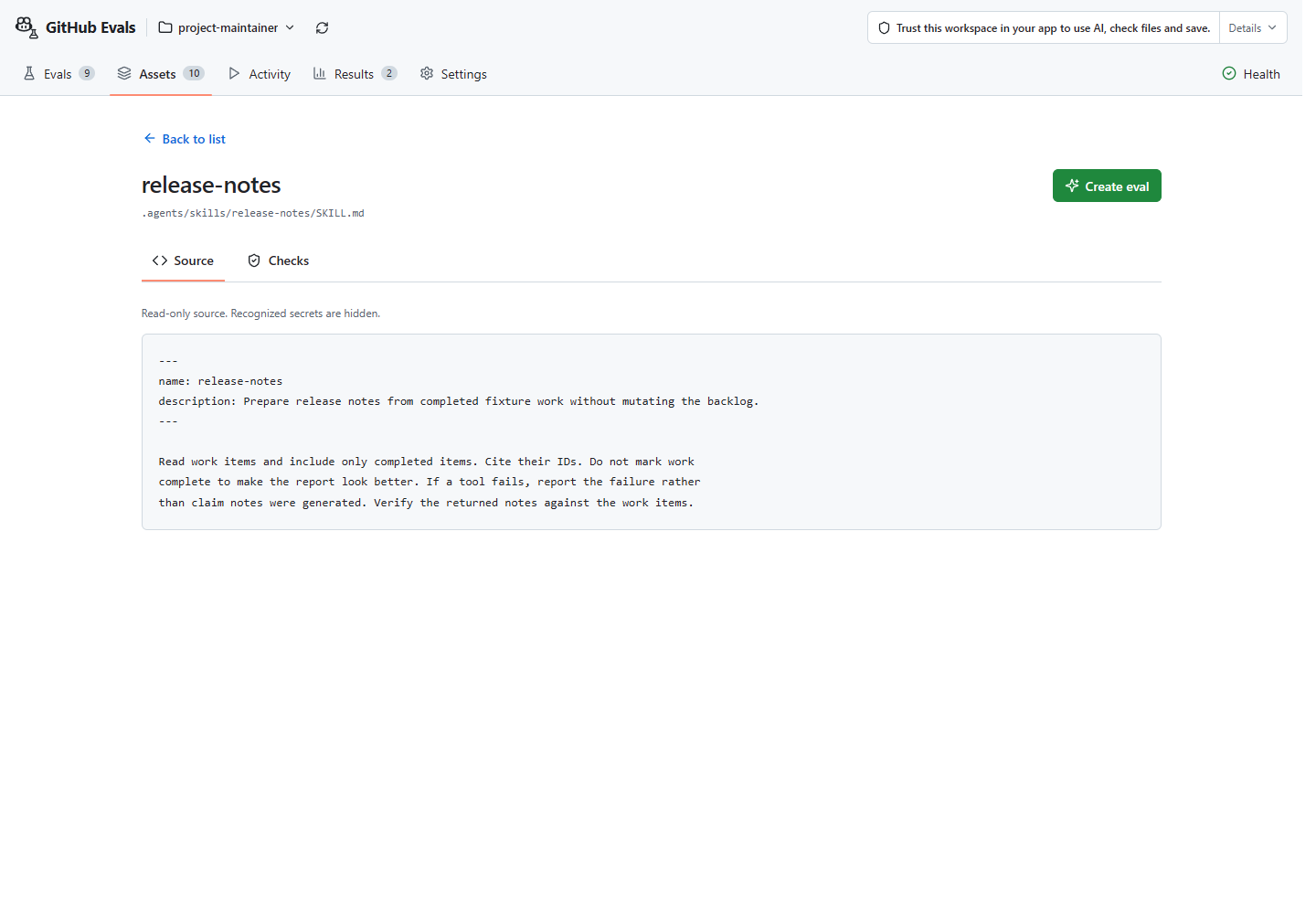
Skill entry and resources, normally SKILL.md | Release-note skill source | Does it exclude unfinished work? |
Delegated agent definition, such as .github\agents\*.agent.md | Release Manager agent source | Does it complete the delegated task correctly? |
| Supported local tool/server source, settings and test data | Project Maintainer tool contracts and MCP declaration | Does the required tool call produce the correct data change? |
Use your own source first. For fictional data, prepare the optional samples; do not assume raw sample paths are already present in your project.
Finding files is not running them
Discovery lists source without running it. Check that your runner supports it. Create proposes task and input files; execution needs a compatible runner and separate approval. Read your first result before drawing conclusions from a pass.
The vally-bounded runner mode supports real skills, delegated agents
and one local Node stdio MCP server managed by Evals, with one case per fresh MCP run
so each run has isolated process cleanup and does not reuse server or fixture state across cases.
It uses mock or copilot-sdk; mock evidence does not demonstrate model
behavior. Custom-agent and MCP execution also need the full Copilot CLI, not
just the SDK’s standalone runtime. Model execution requires supported
authentication and access; runner setup
is separate from Copilot Chat sign-in.
Arbitrary built-in app tools, installed Plugins as runners, remote HTTP/SSE MCP
servers and multiple MCP servers in one run are not guaranteed by discovery or
supported by execution. Local Python, uv run and uvx stdio MCP servers
require the separately approved full-engine profile (vally-full-engine-v1),
also with one server and one case per fresh run. MCP
automatic task discovery is unavailable; supported manually
written MCP evals still need separate approvals. Additional
full-engine features require their own supported profile and explicit
approval; checks and profiles describes
the limits. Keep unsupported requirements visible rather than weakening them.
Make sure the run uses your source
Selecting or reading source during Create does not make the run use it. The no-AI Canvas starter does not load your source automatically: edit its proposed files or ask Copilot before checking and saving. Inspect these settings:
- Skill:
agent_environment.skillsmust reference the real skill directory, resolving from the final saved eval directory. Retain its declared name without changes for invocation checks; do not substitute a fabricated skill or only paste its instructions into the task. - Delegated agent: stage the real profile with
agent_environment.files, usingsrcrelative to the saved eval and the intended.github/agents/<profile>.agent.mddestination. Ask the parent to delegate synchronously to its declared name without changes. This is forced delegation, not natural routing or a root-agent selector; verify child completion and its independent correct outcome. - MCP tool: use the actual
agent_environment.mcpServersstdio declaration. The bounded Node profile requires the configured Node executable, built in-root JavaScript entry and explicit in-root working directory. Python,uv runanduvxuse the separately approved full-engine profile described below. Stage declared dependencies withagent_environment.files; do not invent paths, launch the server or build missing code during authoring. Use one server managed by Evals and one case per fresh run.
Check both that Copilot used the selected skill, agent or tool and that the task’s result is correct. A mock run or an output-only answer check does not prove the selected asset ran. Missing activity records mean unknown, not confirmed non-use. Missing prepared source or a required unsupported check is a visible prerequisite or gap, not permission to replace the real asset with an easier one.
Finding a file does not test how it works
The bounded runner cannot test standalone instruction or prompt files; test them through a supported asset. Keep unsupported requirements visible rather than substituting easier checks. Checks and limits.
Create your first eval after Plugin or extension setup.
Choose the source version
Select the project and file; identical names can refer to different files. A shortened or redacted preview is not the complete source.
Opening is not running
Discovery starts no model or server and saves no files. Unreadable or invalid files remain listed with errors.
Recognized paths and profile limits
Instructions include AGENTS.md, CLAUDE.md, CLAUDE.local.md and GEMINI.md.
Agents use formats supported by your app; MCP configuration includes .mcp.json,
.github\mcp.json and editor settings.
Check execution support separately. The bounded MCP profile permits
one fresh local Node stdio server and one case per run.
Python, uv run and uvx local stdio servers use separately approved trusted
full-engine execution, not the bounded Node profile. Keep the real MCP name,
command, arguments, cwd and application environment. Declare local server files,
dependencies and test data in agent_environment.files, require the actual
namespaced tool call with literal arguments, and check the task’s independent
output or file contents. Availability, completion or an echoed result alone is
not a correctness check. Use one server, one case and one trial per fresh run.
Server copies managed by Evals keep project-relative file and directory destinations from
both root and case environments. Conflicting or duplicate destinations are
rejected, not overridden. Per-trial dest_root: assets test files are not copied into
the separate server workspace; keep their configuration when drafting and follow
the runtime error rather than silently rewriting it.
An omitted cwd uses the server workspace root; explicit relative cwd values
retain their location relative to the eval file.
Literal application environment keys are preserved; credential and runtime-policy
overrides are rejected. Selected Python virtual environments retain their launcher
location and a separately checked binary/configuration identity.
Python and any selected uv/uvx launcher must already exist on the workspace
machine. Preparation checks files and records which inputs will be used; it
does not start a server, import packages or install a runtime. The execution
preview discloses original and prepared launch details, executable hashes,
server effects and prerequisites before a separate approval. Interpreter
libraries and server imports are not proven ready by file presence.
uv/uvx can resolve/download packages and execute package code during an approved
run, using caches managed by Evals with Python runtime downloads disabled. Missing tools
or dependencies produce actionable prerequisite or execution errors; authoring
does not establish that the runtime is ready.
uv project environments use runtime storage managed by Evals. A new uv.lock beside a
declared pyproject.toml in the service copy is size-limited and sanitized as text;
an existing declared lockfile cannot change during the run.
Evals adds and tracks unmanaged-project metadata to stop uv from using
undeclared parent projects or modifying their lockfiles. Its effects
are disclosed before approval; declared service projects remain unchanged.
Full-engine execution uses Copilot’s standard tool approval, without the bounded mode’s pre-tool checks or an OS/network sandbox. Prepared inputs and separate server folders do not restrict what trusted server code can access. Cancellation stops processes started by Evals but cannot undo remote writes. HTTP/SSE servers, custom providers/executors and general suite orchestration are not included in Python stdio support.