Are your skills helping Copilot?
Check whether your instructions still help on the work you actually do.
More instructions do not automatically mean better work. A skill or agent may handle one task well and miss another. As your tasks, source, or model change, use evals to revisit what it contributes.
1. Pick a task that matters
Start with something you repeatedly ask Copilot to do, or a mistake you have already seen. Decide what success means before reading the answer.
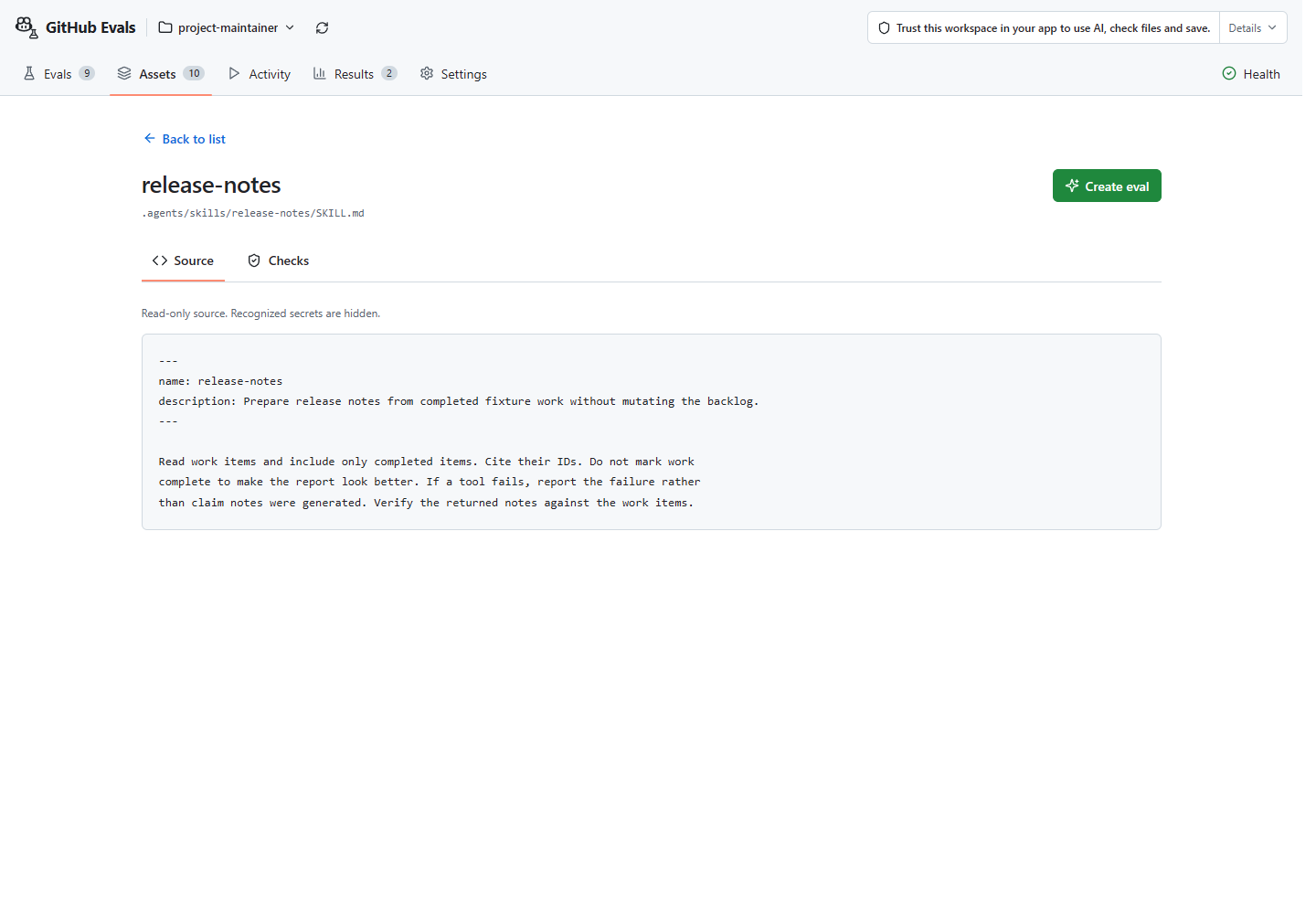
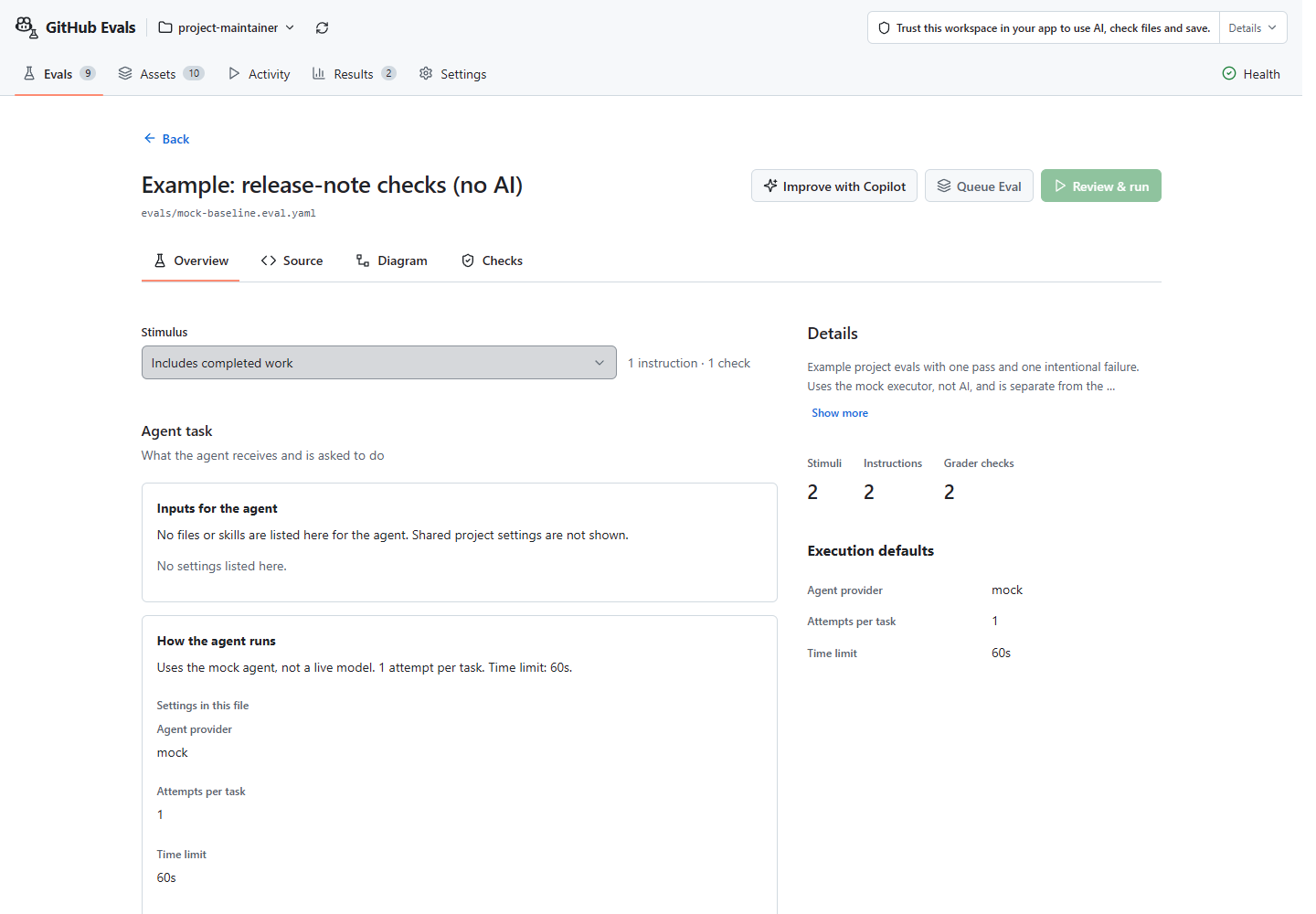
For a release-note skill: include completed work and exclude unfinished work. Keep the backlog as input and the expected answer separate from it. See the example or create an eval for your own source.
2. Choose the question
| Question | Available path | What you learn |
|---|---|---|
| Does my skill or agent do the job? | Run an eval with independent outcome checks. | Whether this attempt met those requirements. |
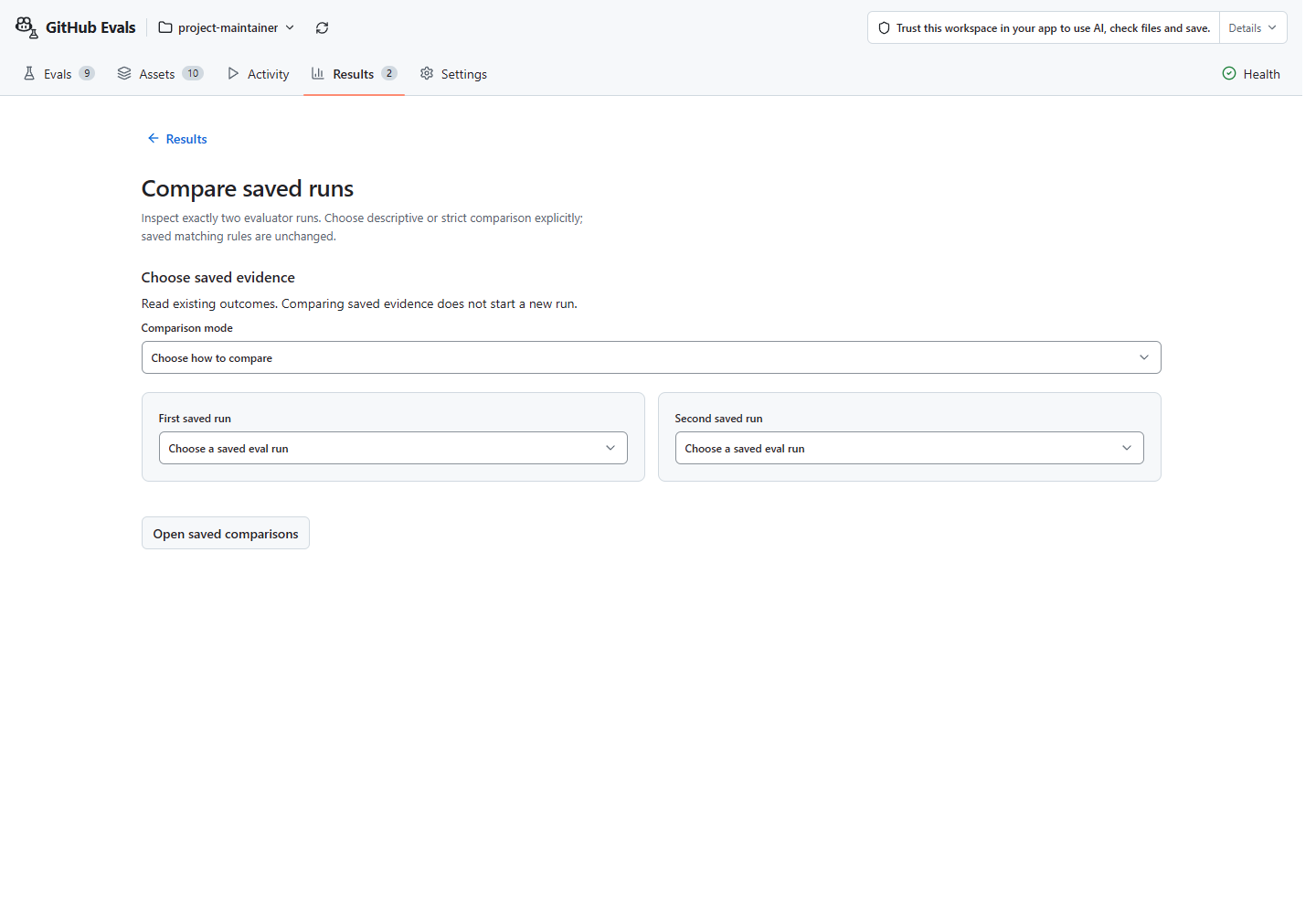
| Did my revision help on this task? | Keep the original, rerun the same eval after one change, and compare saved results. | Which observed failures changed, where matching evidence supports the comparison. |
| Is this skill contributing? | Try one task with the skill included, then left out of the prepared inputs, in a supported app. | Something to investigate, not proof that the skill was absent or caused a better answer. |
3. Explore one skill on one task
In the packaged Copilot CLI / GitHub Copilot App Plugin, use /eval compare and choose the skill experiment.
Select the real skill and a saved single-case eval. If the task is missing,
use Create first; return only after all files are saved.
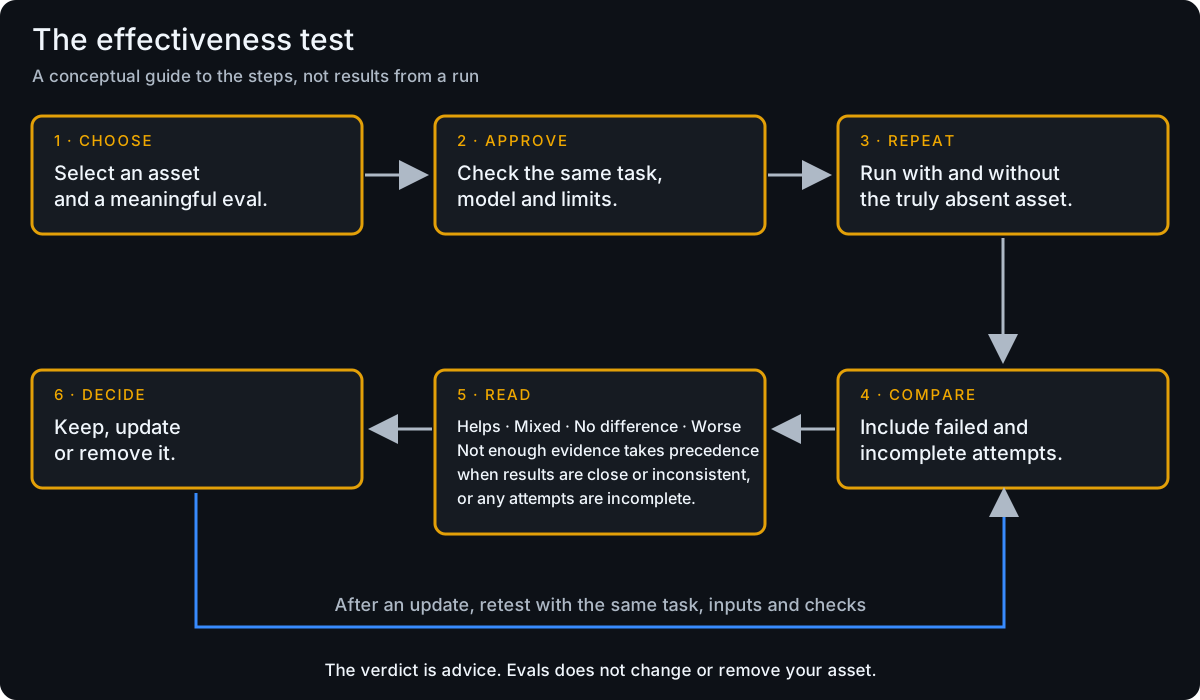
Review the task, checks, model, tools, and both conditions. The task should not tell Copilot to use the skill: that would bias the comparison. Approve preparation and each condition’s run separately.
Read the actual answers and independent checks. Keep failed, cancelled, and incomplete attempts. Missing usage or cost is unknown, not zero.
This exploratory path is for one skill, not an arbitrary agent or tool. Omitting a skill from prepared inputs does not prove that another copy was absent. One pair cannot establish general benefit. If your app lacks the required tools, you get setup guidance only, not a completed experiment. Availability and evidence limits.
Paid runs have no hard total-cost cap, and temporary folders are not a sandbox. Stop if a required limit or approval is unavailable.
4. Decide what to investigate next
- A wrong answer fails: inspect the skill or agent, review a targeted source change, then separately approve a retest.
- A wrong answer passes: improve the check before relying on it.
- Results disagree or evidence is missing: investigate the setup and try more representative cases. Don’t decide whether to keep or remove a skill from this alone.
Keep task, inputs, model, and checks unchanged when testing a source revision. Changing the checks changes the measurement, not necessarily the AI’s work.
Compare a change or improve a check.
What stronger benefit testing would require
Where to inspect your work